Design study 01 Interaction design
Why a like feels different on every app.
The button is familiar. What I mean when I press it depends on where I am.
Published Revised
View essay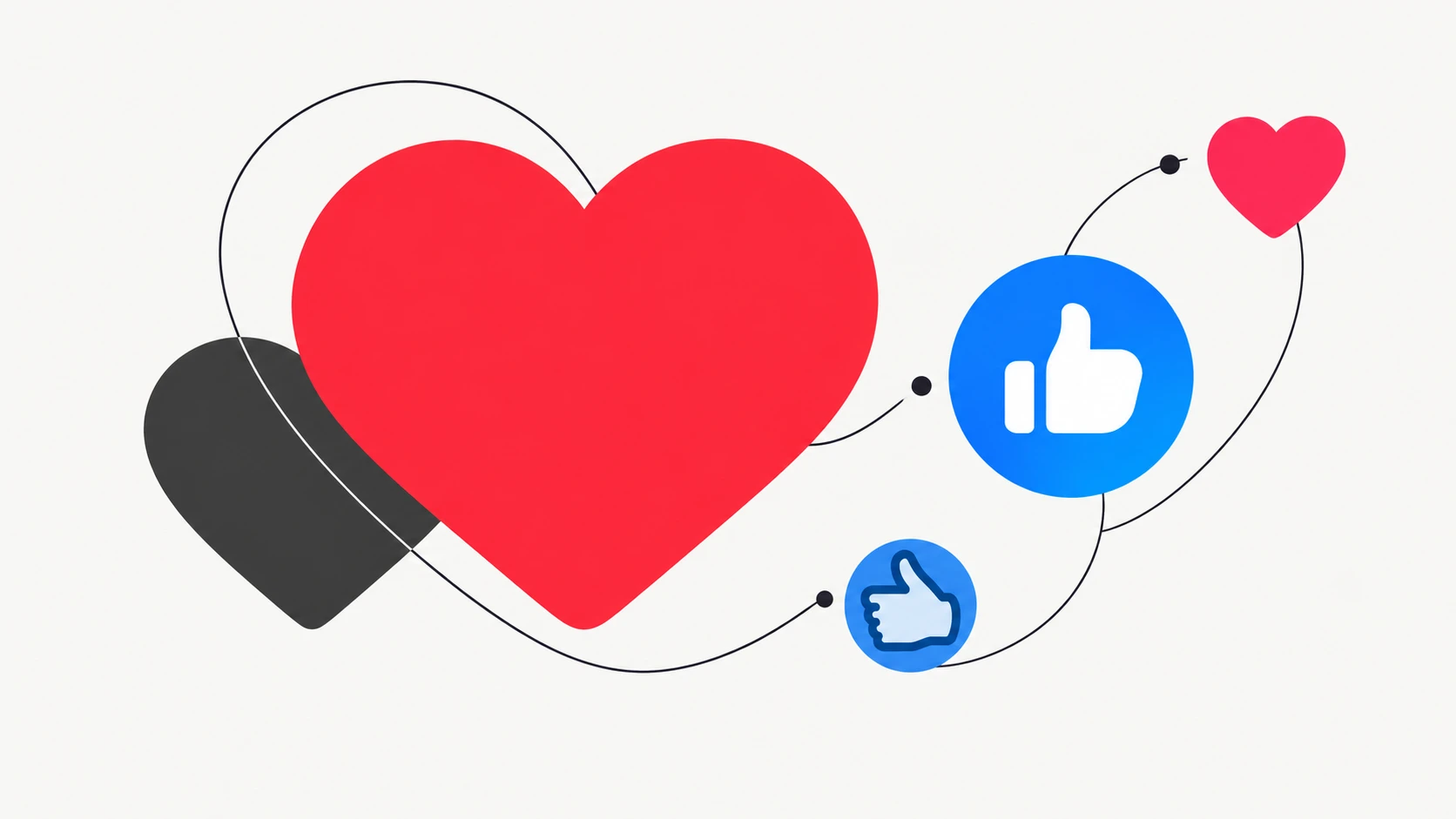
I started with a small question: why does liking a friend's Instagram photo feel different from liking a video on TikTok?
The motion is almost identical. Find the heart, tap it, keep scrolling. But the thought behind it can change. On one app, I'm acknowledging someone I know. On another, I'm responding to a useful idea or leaving myself a way back to something I want to watch again.
LinkedIn and Facebook add another layer. A colleague's promotion calls for congratulations. A difficult family update calls for care. Both ask for a response, but the feeling behind that response is quite different.
That is what interests me as a designer. A tiny control can carry a surprisingly specific social message. The icon gives us an action. The people and posts around it help us decide what that action means.
One button, several intentions
A like is easy to count and harder to interpret.
Research by Rebecca Hayes, Caleb Carr and Donghee Yvette Wohn identified several reasons people used these small responses: enjoying the content, acknowledging that they had seen it, supporting a relationship, and keeping something for later. Their participants sometimes used a click to say something about the person posting as much as the post itself. 1
That gives me a useful starting point. Before asking what the heart means, I want to ask who it is for. Is it a message to the person who posted? A signal to the people around us? A reminder for my future self?
One tap can do more than one of those things.

Instagram: I see you
On Instagram, I think about the friend before I think about the button.
A holiday photo might earn a heart because the photograph is beautiful. It might also get one because I'm happy that a friend finally took the trip they had been talking about. The picture is the occasion for a small moment of recognition.
That is the part of Instagram liking I wanted to explore. Among friends, a heart can become a familiar way of staying present. You can acknowledge an ordinary afternoon without needing to start a conversation about it.
Beata Jungselius found a similar complexity in interviews with Instagram users. Participants interpreted likes through their relationships and expectations. A heart could express support for the person or the event behind the image, as well as appreciation of the image itself. 2
Of course, Instagram also contains creators, brands and people we have never met. The meaning shifts with the relationship. A friend's heart can carry a history that a stranger's heart does not.
LinkedIn: Good for you
Move that same response into a professional feed and it takes on a different tone.
Imagine a former classmate announcing a new job. A reaction is a quick way to congratulate them. On a post about a thoughtful piece of work, it can express appreciation for the effort or interest in the idea. The surrounding context gives a small gesture a professional meaning.
LinkedIn makes some of those intentions explicit. Its reactions include Celebrate for accomplishments, Support for empathy and Insightful for ideas worth considering. The labels offer a little more direction than a single Like. 3
There is also an audience beyond the author. LinkedIn says posts and comments you react to are shared with your network. 4
To me, that makes the gesture feel more public. It can say something about what I value professionally, even when my immediate intention is simply to say congratulations. It still leaves plenty unsaid. A reaction tells us very little about how well two people know each other or how closely someone read a post.
Facebook: I'm with you
Facebook brings a wider range of everyday circumstances into the same space. A birthday, a family photograph and a difficult update can appear close together. Familiar people give those posts context before I even reach the reaction control.
The emotional range matters. A heart beneath happy news can celebrate it. A sad face beneath difficult news can acknowledge what someone is going through. The response takes its meaning from the situation and the relationship.
Meta described Reactions as a way to respond quickly to the different feelings a post can bring up. 5 That wider palette gives people another choice to make before moving on.
In a survey of 255 undergraduate Facebook users, Erin Sumner and colleagues found that participants perceived Reactions as more deliberate and less automatic than the basic Like. That does not tell us what every individual reaction means, but it suggests that choosing among responses can feel different from tapping the default. 6
For a designer, that pause is interesting. A small amount of choice can create room for a more considered response.
TikTok: More like this
TikTok was the app that made me question the familiar heart most.
When a video comes from a creator I do not know, the social obligation feels different from a friend's photo. The content can become the main reason to react. A useful tutorial, an interesting process or a funny clip might make the heart feel like a small instruction: more of this, please.
My first thought was that liking on TikTok felt almost like saving. There is a practical reason for that impression. TikTok lets you revisit liked videos from your profile. The collection is hidden on new profiles by default, and its visibility can be changed in settings. 7
But a hidden collection does not make each like anonymous. TikTok supports like notifications, so creators can be notified. Likes also contribute to recommendations alongside signals such as viewing time, shares and skips. 8 9
The distinction matters. A heart can feel personal while still reaching another person and influencing what the app shows next.
TikTok also has separate Favorites and Collections features for saving and organizing. 10 I would describe a like as a loose trail of interest. A dedicated save gives the intention to return a clearer place to live.

What this changes for design
The useful lesson is to look beyond the icon.
Make the audience understandable. People should have a reasonable sense of who can see a response. A private collection, a creator notification and a network update are different forms of visibility. Grouping them under one vague privacy setting makes the action harder to understand.
Give different intentions somewhere to go. Appreciation, support and saving can overlap, but they serve different needs. Clear labels and separate controls can help people choose deliberately, especially when they want to remember something without deciding how to respond to it.
Treat the count with care. A total can show that people acted. It cannot explain every reason they acted. Ten reactions might include encouragement, habit, agreement and curiosity. I would want more context before using that number to judge how people felt about a design or a piece of content.
The questions I would take into user research are simple: Think about the last post you liked. What made you do it? Who did you expect to see it? Would you have chosen Save if that had been easier to reach? Has a reaction from a particular person ever meant more than the total count?
Those questions would help test the distinctions in this essay. For now, they are a way to look more closely at a control we usually press without much thought.
About this study
This is an observational design essay informed by published research and platform documentation. The platform comparisons are my interpretation, with hypothetical examples to make them concrete. I did not conduct participant interviews or usability testing for this piece. This revised edition reflects platform features and sources checked in September 2026.
Sources & further reading
- Hayes, Carr and Wohn (2016). One Click, Many Meanings.
- Jungselius (2019). Unpacking the social practice of liking.
- LinkedIn Help. Use LinkedIn reactions.
- LinkedIn Help. Like, unlike, and react to posts or comments.
- Meta (2016). Reactions Now Available Globally.
- Sumner and colleagues (2020). Facebook Reactions and Likes as lightweight feedback cues.
- TikTok Help. Liking.
- TikTok Help. Notifications.
- TikTok Help. How TikTok recommends content.
- TikTok Newsroom (2026). New ways to discover, share, and connect.